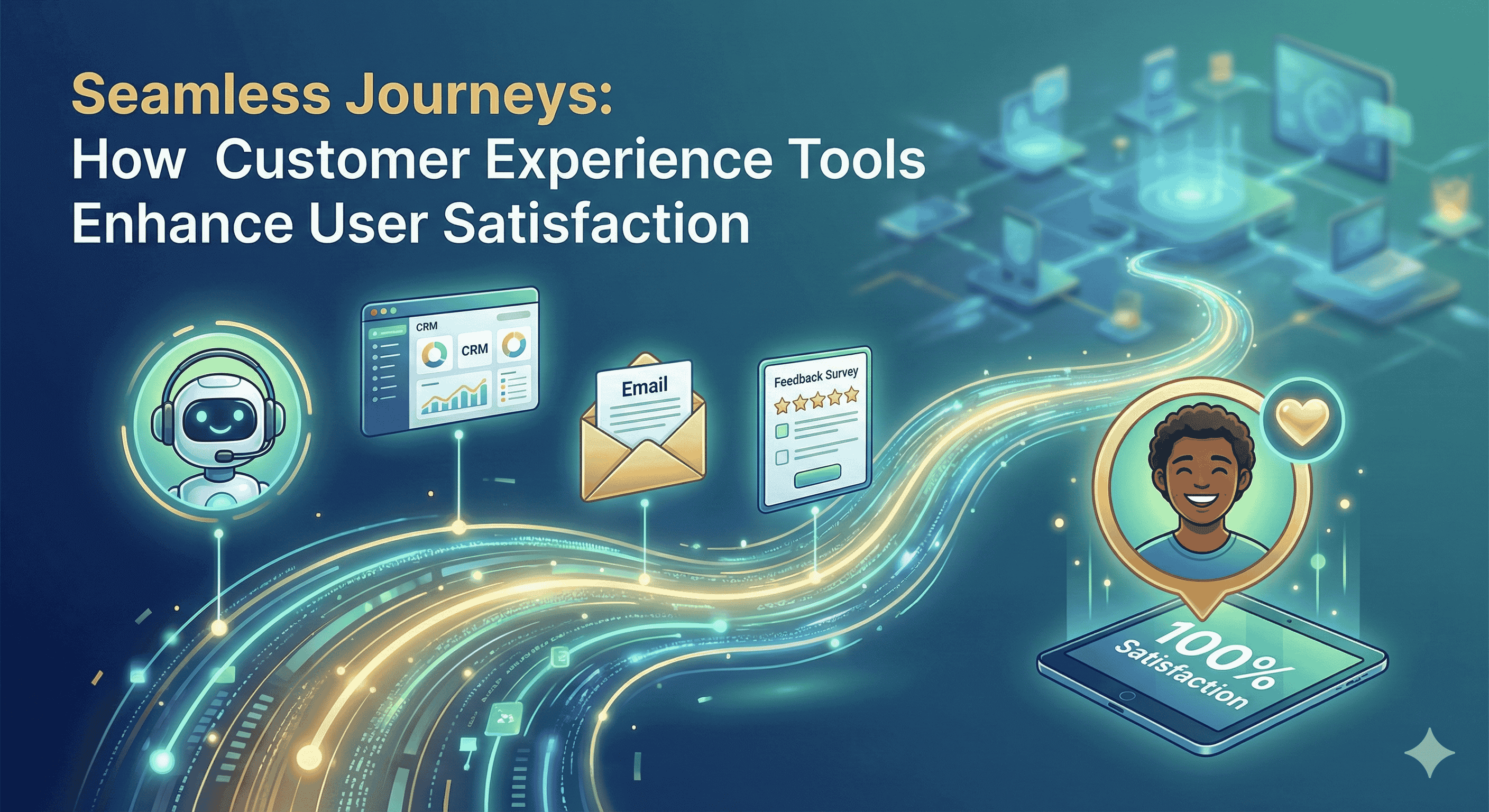

In today’s fast-paced business environment, Customer Relationship Management (CRM) systems have become invaluable tools for managing customer interactions, streamlining processes, and enhancing overall business efficiency. However, integrating these systems with existing software and workflows can significantly amplify their benefits. This guide will delve into the essentials of CRM integration, its advantages, challenges, and best practices to elevate your customer relationships and drive growth.
Understanding CRM Integration
CRM integration refers to the process of connecting your CRM system with other business applications and platforms, such as email, social media, e-commerce sites, and marketing automation tools. This connection enables seamless data sharing and communication across various departments, thereby creating a centralized repository of customer information.
Why Integrate Your CRM?
1. Centralized Data Management
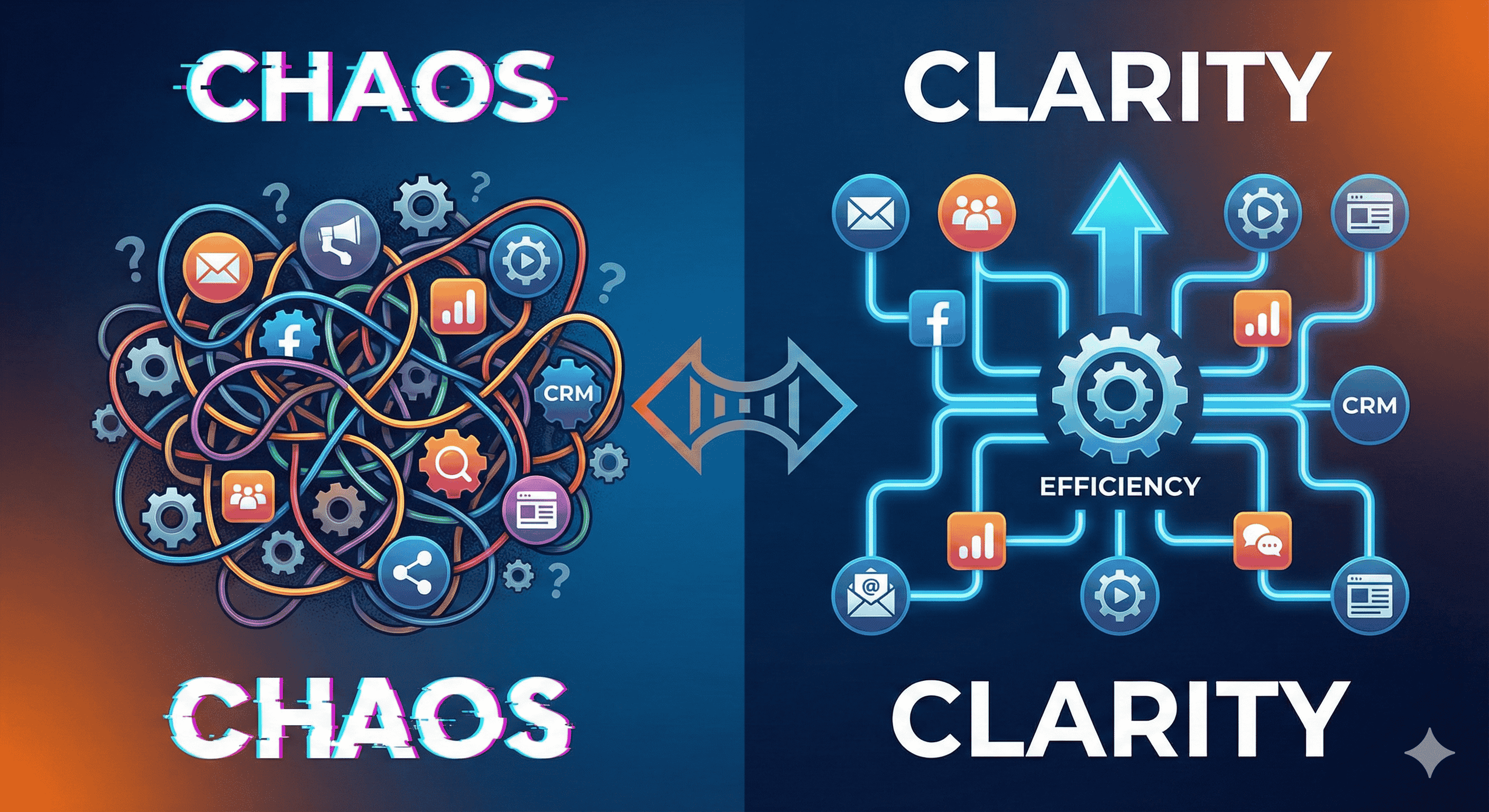
CRM integration consolidates customer data from disparate sources into one platform. This centralization reduces data silos, allowing your team to access a complete view of each customer. This ensures that sales and support teams have the same information, fostering collaboration and improving response times.
2. Enhanced Customer Experience
With integrated CRM systems, businesses can streamline customer interactions. Personalized communication, timely follow-ups, and informed support will lead to better customer satisfaction. Knowing customers’ preferences helps tailor offerings, improving loyalty and retention.
3. Increased Efficiency
Automating repetitive tasks through CRM integration frees up time for employees to focus on more strategic activities. For example, automatic entry of customer information from emails or web forms reduces manual data entry, minimizing errors and saving effort.
4. Better Insights and Analytics
Combining data from various sources allows for comprehensive analysis and reporting. With integrated analytics, businesses can gain a deeper understanding of customer behaviors, enabling data-driven decision-making. These insights can inform marketing strategies and product development.
5. Scalability
As your business grows, so will your customer base and the complexity of managing relationships. An integrated CRM can easily scale to accommodate increased data, making it a versatile tool for a growing organization.
Common Integration Scenarios
Email Systems: Integrating CRM with email platforms like Gmail or Outlook allows users to track interactions directly within the CRM, enhancing email marketing efforts.
Marketing Automation Tools: Syncing CRM with marketing tools ensures that sales and marketing teams are aligned, leading to smoother lead management.
E-commerce Platforms: Integrating with online store platforms provides visibility into customer purchases, allowing for targeted promotions and inventory management.
- Customer Support Systems: Linking CRM with support tools can facilitate better case management and issue resolution.
Challenges of CRM Integration
While CRM integration offers numerous benefits, it’s not without its challenges:
Data Quality Issues: Incomplete or inconsistent data can lead to problems during integration. It’s crucial to maintain data hygiene before the integration process.
Compatibility: Not all systems are designed to work together. Careful evaluation of software compatibility is necessary to avoid integration pitfalls.
Change Management: Employees may resist new systems. Training and change management strategies are essential to ensure smooth adoption.
- Cost: Depending on the complexity of integration, costs can add up, especially if customization is required.
Best Practices for Successful CRM Integration
Define Clear Objectives: Know what you hope to achieve with integration. Specific goals will help guide the process and ensure you meet your organizational needs.
Choose the Right Tools: Select integration tools that best fit your current tech stack. Popular options include Zapier, Integromat, and custom API solutions.
Prioritize Data Quality: Ensure that the data entering the CRM is accurate and complete. Regular audits can help maintain data integrity.
Work with Experts: If your team lacks integration experience, consider collaborating with third-party experts or consultants who can guide you through the process.
- Monitor and Optimize: After integration, continuously monitor performance. Collect feedback from users to identify areas for improvement and make necessary adjustments.
Conclusion
CRM integration is a game-changer for businesses looking to enhance efficiency and improve customer relationships. By centralizing data, automating processes, and providing valuable insights, an integrated CRM system supports better decision-making and fosters long-term customer loyalty. As you embark on the integration journey, focus on clear objectives, choose the right tools, and invest in data quality to maximize the benefits. With the right approach, your CRM integration can set your business on a path to unprecedented growth and success.